Best Head Units & Radios for Jeep JK: CarPlay Upgrades
Introduction
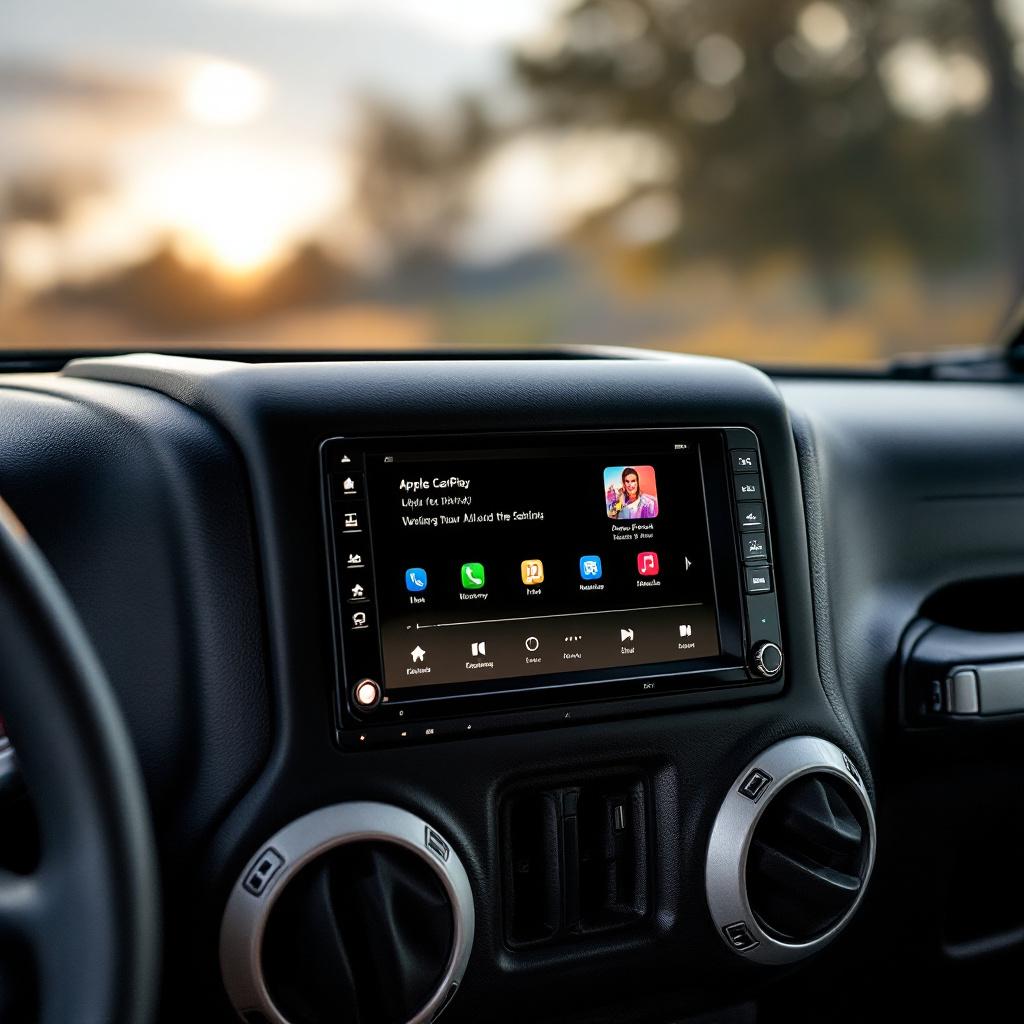
Upgrading your Jeep JK’s head unit is one of the most impactful improvements you can make to your daily driving experience. Whether you’re looking for seamless smartphone integration, improved audio quality, or modern navigation features, a quality aftermarket head unit transforms your vehicle’s infotainment system.
The Jeep JK’s factory radio, while functional, lacks the connectivity and features that modern drivers expect. Fortunately, the aftermarket has stepped up with numerous options featuring Apple CarPlay, Android Auto, backup camera inputs, and Bluetooth connectivity. This guide covers the best head units currently available for JK models, helping you make an informed decision based on your budget and feature requirements.
Get new guides by email
One email when we publish something worth reading. Unsubscribe anytime.
Why Upgrade Your Head Unit?
Factory Jeep radios come with significant limitations. They lack modern connectivity standards, offer poor sound quality, and provide minimal navigation capabilities. An aftermarket head unit addresses these issues by providing:
- Apple CarPlay and Android Auto for seamless smartphone integration
- Superior audio quality with better amplification and sound processing
- Backup camera integration for safer reversing
- Bluetooth connectivity for hands-free calling and streaming
- Navigation options via your smartphone or built-in systems
- Customizable displays with modern user interfaces
Beyond functionality, modern head units also enhance your Jeep’s aesthetics with sleek designs and vibrant touchscreens that complement both stock and modified vehicles.
Top Head Unit Recommendations
1. Sony XAV-AX8100 Digital Media Receiver
The Sony XAV-AX8100 stands out as an excellent all-around choice for Jeep JK owners. This 6.95-inch capacitive touchscreen receiver features both Apple CarPlay and Android Auto with wireless connectivity options. The display is exceptionally bright, remaining legible even in direct sunlight—crucial for open-top Jeep driving.
Key Features:
- 6.95-inch capacitive touchscreen with excellent brightness
- Wireless CarPlay and Android Auto
- 13-band graphic EQ for audio tuning
- Backup camera input
- AM/FM radio tuner
- Bluetooth for calling and streaming
The Sony XAV-AX8100 delivers premium sound quality with robust bass response and clear midrange frequencies. Its interface is intuitive, and the responsive touchscreen makes navigation effortless. Installation in JK models is straightforward with a proper dash kit.
2. Alpine iLX-F511 Wireless CarPlay/Android Auto
If you prioritize wireless connectivity without monthly subscriptions, the Alpine iLX-F511 is an outstanding choice. This 11-inch digital media receiver features both wireless CarPlay and Android Auto, plus built-in SiriusXM capability.
Key Features:
- 11-inch capacitive touchscreen
- Wireless CarPlay and wireless Android Auto
- SiriusXM-ready with tuner included
- Backup camera input
- High-res audio support
- Customizable display themes
The larger screen provides excellent visibility and makes controlling functions more intuitive. Alpine’s interface is clean and organized, prioritizing essential functions. The SiriusXM integration adds significant value for satellite radio enthusiasts.
3. Kenwood DMX1057XR Wireless Digital Media Receiver
Kenwood’s DMX1057XR delivers professional-grade features at a competitive price point. This 10.1-inch touchscreen receiver includes wireless CarPlay and Android Auto alongside extensive customization options.
Key Features:
- 10.1-inch capacitive touchscreen
- Wireless CarPlay and Android Auto
- AM/FM tuner with SiriusXM-ready
- Wireless remote control included
- Excellent audio processing capabilities
- Multiple rear view camera inputs
The Kenwood excels with its audio quality and customization depth. The wireless remote is particularly convenient for Jeep owners who want to adjust settings without taking their hands off the wheel. Build quality is solid, and the unit runs cool during extended use.
4. Boss Audio BV900ACP Single-DIN with Flip-Out Screen
For budget-conscious JK owners, the Boss Audio BV900ACP offers surprising functionality in a single-DIN form factor. While it features a smaller flip-out screen and more basic integration, it provides essential smartphone connectivity features.
Key Features:
- 7-inch flip-out touchscreen
- Bluetooth connectivity
- Backup camera input
- AM/FM radio
- USB/SD card inputs
- Apple CarPlay compatible (wired)
The compact size makes this an excellent option if you prefer minimal dashboard modification. While it lacks wireless CarPlay and Android Auto, the wired functionality works reliably, and the compact design preserves your stock dashboard appearance.
5. Clarion NX806A Premium Navigation Receiver
For Jeep owners who want all premium features integrated, the Clarion NX806A combines navigation, CarPlay, and Android Auto in an 8-inch package. This unit provides advanced GPS navigation alongside smartphone connectivity.
Key Features:
- 8-inch capacitive touchscreen
- Wireless CarPlay and Android Auto
- Advanced GPS navigation system
- Full backup camera integration
- High-res audio support
- Hands-free calling with dual-zone audio
The built-in navigation system is particularly valuable if you frequently drive in areas with poor cellular coverage or want navigation that doesn’t drain your phone’s battery.
Installation and Compatibility
Installing an aftermarket head unit in a Jeep JK is generally straightforward with proper tools and a quality dash kit. Most modern head units fit standard double-DIN mounting brackets, which are compatible with JK mounting provisions.
Important Considerations:
- Dash Kit Required: You’ll need a Jeep JK-specific dash kit ($30-60) to properly secure your new head unit
- Wiring Harness: An appropriate wiring harness simplifies installation and protects your vehicle’s electrical system
- Amplified Stereo: If your JK has an amplified factory system, you may need additional integration components
- Backup Camera: Verify your chosen unit has backup camera input if you plan to integrate one
- Professional Installation: Consider professional installation ($100-200) if you’re uncomfortable with electrical work
We recommend checking with installation professionals at local Jeep shops for specific JK-compatible recommendations and installation services.
Audio Quality Considerations
Upgrading your head unit significantly improves audio quality, but maximum potential requires complementary upgrades:
- Door Speakers: Factory door speakers limit audio clarity. Aftermarket speakers in the $200-500 range dramatically improve sound quality
- Amplifier: An external amplifier adds power and clarity, particularly beneficial for bass response
- Sound Dampening: Adding sound dampening material in doors and panels reduces road noise
- Subwoofer: Optional but highly rewarding if you enjoy bass-heavy music genres
See our guide on best Jeep JK sound bar speakers for additional audio upgrade recommendations.
Product Comparison Table
| Model | Screen Size | Wireless CarPlay | Android Auto | Price Range | Best For |
|---|---|---|---|---|---|
| Sony XAV-AX8100 | 6.95” | Yes | Yes | $400-500 | All-around value |
| Alpine iLX-F511 | 11” | Yes | Yes | $700-800 | Larger display |
| Kenwood DMX1057XR | 10.1” | Yes | Yes | $500-650 | Audio quality |
| Boss Audio BV900ACP | 7” | Wired | Limited | $150-250 | Budget option |
| Clarion NX806A | 8” | Yes | Yes | $600-750 | Built-in nav |
Complementary Upgrades
Explore these related modifications for your Jeep JK:
- JK Electrical Upgrades Guide — your complete starting point
- Best JK Sound Bar Speakers — upgrade speakers with your new head unit
- Best JK Backup Camera — add a camera to your new display
- JK Electrical Upgrades Guide — wiring best practices
- Best JK GPS Navigation — CarPlay GPS vs dedicated unit
- Best JK Phone Mount — mount your phone for CarPlay
Related Guides
Explore more JK upgrade guides to complement your build:
- JK Dual Battery Setup — dual battery configuration for power-hungry accessories
- Best LED Headlights — LED headlight upgrade options
- Best JK Light Bars — auxiliary lighting options
- Best JK Aux Switches — switch panel options for accessories
- Onboard Air Compressor Guide — onboard air system setup
Frequently Asked Questions
Q: Do I need to replace my factory amplifier when installing a new head unit?
A: Not necessarily. Most modern head units work with factory amplifiers through integration modules. However, if you’re planning to add external amplifiers or subwoofers, a dedicated amplifier will provide better sound quality and power distribution. Your installer can assess whether integration modules or a new amp best suits your setup.
Q: Will a new head unit work with my factory steering wheel controls?
A: Yes, with a steering wheel control retention module (typically $20-50). These modules preserve your factory steering controls while allowing them to work with aftermarket head units. Installation professionals can install these modules during the head unit installation.
Q: Can I install a head unit myself, or should I use a professional?
A: DIY installation is possible if you’re comfortable with basic electrical work and have proper tools. However, professional installation ($100-200) ensures proper integration with your JK’s electrical system, steering controls, and existing components. It’s particularly recommended if you have a factory amplifier or complex audio system.
Q: What’s the difference between wired and wireless CarPlay?
A: Wired CarPlay requires a USB connection between your phone and the head unit but works immediately without pairing. Wireless CarPlay pairs your phone via Bluetooth and Wi-Fi, providing more convenience once connected. Wireless systems occasionally require reconnection after phone updates, while wired connections are consistently reliable.
Q: Are backup cameras included with head units?
A: Most head units provide the input for a backup camera but don’t include the physical camera. You’ll need to purchase a backup camera separately ($50-200) and have it installed in your rear bumper or tailgate. Many installers recommend this as a worthwhile safety addition.
Q: Can I use my factory antenna with an aftermarket head unit?
A: Yes, with an antenna adapter. Your installer can integrate your factory antenna with the new head unit using appropriate adapters, eliminating the need for a new external antenna installation.
Electrical System Considerations
Before installing a new head unit, ensure your Jeep’s electrical system is in good condition. A failing battery or corroded connections can cause head unit malfunctions. We recommend:
- Testing your battery voltage (should be 12.6V+ when engine is off)
- Inspecting battery terminals for corrosion
- Ensuring your alternator is functioning properly
- Considering a secondary battery if you run extensive aftermarket electronics
For comprehensive electrical system information, see our electrical-lighting category articles.
Conclusion
Upgrading your Jeep JK’s head unit transforms your driving experience with modern connectivity, superior audio quality, and enhanced navigation capabilities. Whether you choose the affordable Sony XAV-AX8100, the feature-rich Alpine iLX-F511, the audio-focused Kenwood DMX1057XR, or one of the other excellent options available, you’ll immediately appreciate the improvement over your factory radio.
Consider your specific needs—screen size preferences, wireless versus wired connectivity, budget constraints, and desired audio quality—when selecting your head unit. Professional installation ensures proper integration and protects your vehicle’s electrical system.
Pair your new head unit with complementary upgrades like quality door speakers and consider visiting best Jeep JK LED headlights for additional lighting improvements that enhance your overall Jeep JK experience.
Product Recommendations

Sony XAV-AX8100 Digital Media Receiver
Check Price on Amazon →
Alpine iLX-F511 Wireless Digital Media Receiver
Check Price on Amazon →
Kenwood DMX1057XR Wireless Digital Media Receiver
Check Price on Amazon →
Clarion NX806A Premium Navigation Receiver
Check Price on Amazon →Free: JK Fluids at a Glance
Every fluid, spec and capacity for the 2007-2018 Wrangler JK on one page, plus a cut-out glovebox card. Checked against the owner's manuals. From the JK Service Kit.
Email me the download and new guides when they are published. Unsubscribe anytime. Privacy Policy.
Frequently Asked Questions
How do I choose the right product for my Jeep JK?
Consider your primary use case (daily driving vs off-road), budget, and any specific requirements like weight capacity or installation complexity.
Are aftermarket parts as reliable as OEM?
Quality aftermarket parts from reputable brands often match or exceed OEM quality. Research reviews and warranties before purchasing.
Should I install these parts myself or use a professional?
Many JK modifications are DIY-friendly with basic tools. Complex electrical or suspension work may benefit from professional installation.
Will an aftermarket head unit fit the JK dash without modification?
Most aftermarket double-DIN head units fit the JK with a dash kit adapter (Metra 95-6511 for 2011-2018 or 95-6510 for 2007-2010). The kit fills the gap between the standard double-DIN unit and the JK's unique dash opening. No cutting or modification needed with the right adapter.
Do I lose steering wheel controls with an aftermarket JK head unit?
Not if you use a steering wheel control adapter like the Axxess ASWC-1 or iDatalink Maestro. These interfaces translate your JK's factory steering wheel buttons to work with most major head unit brands including Pioneer, Kenwood, Alpine, and Sony.
Allan
I'm Allan. I own a 2014 Jeep Wrangler JKU and I research the hell out of every mod before I touch it. When I've fitted something to my own Jeep, I say so. Everything else is researched from manufacturer specs and other owners' reports. No sponsored fluff.
Learn more about me →Free: JK Fluids at a Glance
Every fluid, spec and capacity for the 2007-2018 JK on one page, plus a glovebox card.
Email me the download and new guides when they are published. Unsubscribe anytime. Privacy Policy.
Related Articles
Oracle Lighting LED Headlights for Jeep JK: Halo, Projector & Sealed Beam Options Reviewed
Oracle Lighting is a US-based aftermarket lighting brand that specialises in LED and halo headlights, fog lights, and accent lighting. Their 7-inch...
JW Speaker 8700 LED Headlights for Jeep JK: Full Review & Install Notes
The JW Speaker 8700 Evolution J2 is a DOT-compliant, 7-inch round LED headlight designed as a direct plug-and-play replacement for the 2007–2018 Jeep...

Best Light Bars for JK Wrangler: Complete Guide
The best light bars for a 2007-2018 Jeep JK: seven Amazon picks from $41 to $145, where to mount them, the windshield fold-down test, and the wiring that makes an install last.